74 St Georges Rd System Information

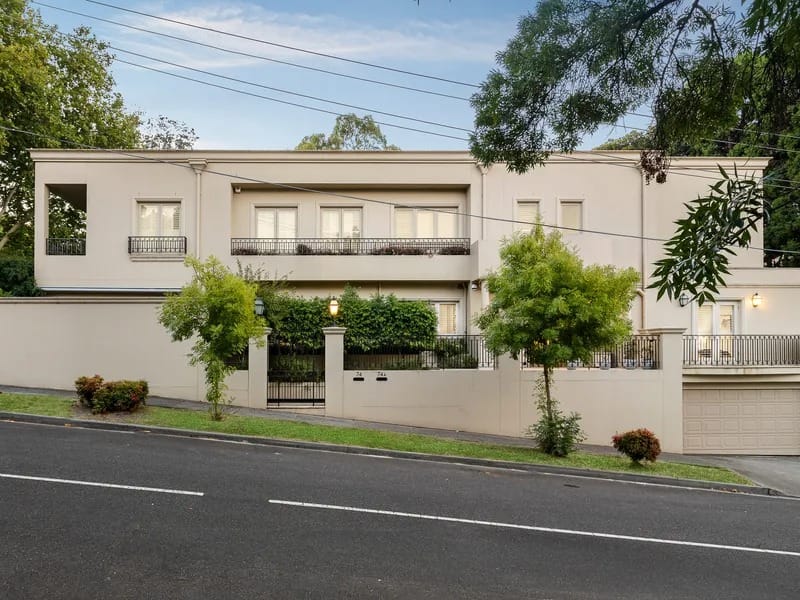
74 St Georges Rd Toorak

QR Code Link to Instructions

Link to this page

System Information

74 St Georges Rd, Toorak

Straight Forward Technology Logo
Installed by Straight Forward Technology
🔐 Security
SF Logo
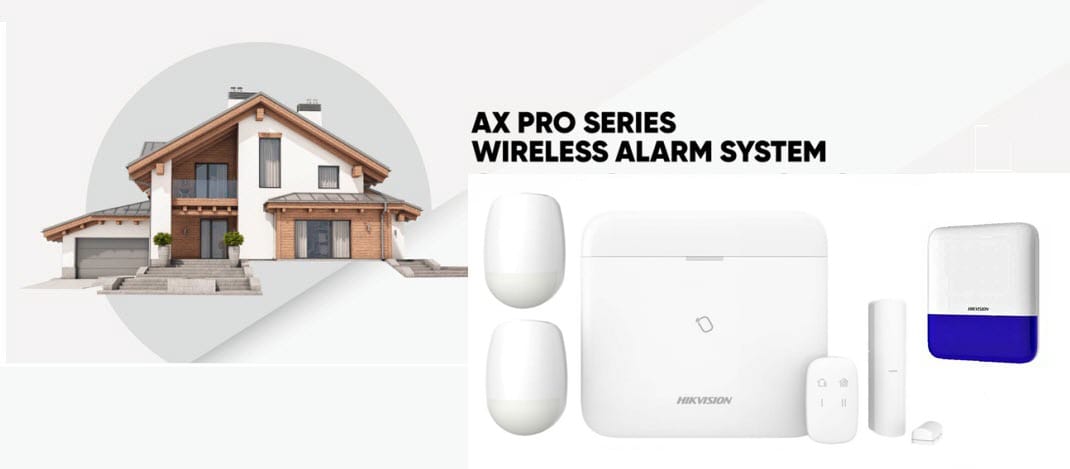
🚨 Alarm System (Hikvision AX Pro)
Hikvision AX Pro System

Hikvision AX Pro Alarm System

Your home is protected by a Hikvision AX Pro alarm system with full smartphone control.

🔑 Keypad & Fob Operation:

  • Arming (Away): Press the Away button on keypad or fob when leaving the property
  • Arming (Stay/Night): Arms perimeter only, allowing movement inside
  • Disarming: Enter your PIN on the keypad or present your fob
  • Panic Button: Press and hold the panic button on fob for emergency

📱 Managing Access via Hik-Connect App:

  1. 1. Open Hik-Connect app and select your alarm system
  2. 2. Tap the 3 dots (…) menu next to the alarm name
  3. 3. Go to Settings → User Management
  4. 4. To add: Select Add User, enter name and assign PIN/fob
  5. 5. To remove: Select the user and tap Delete
  6. 6. For temporary access (cleaners, trades): Set expiry dates when creating user

⚠️ SECURITY NOTE: Each resident should maintain their own unique PIN/fob. For security purposes, all entry/exit events are logged by the system. Access codes for service providers should be temporary and changed regularly.

🔔 Alarm Notifications:

The Hik-Connect app will send push notifications for:

  • Alarm triggers
  • System armed/disarmed events
  • Low battery warnings
  • System faults
⚙️ Technical Information

🔧 System: Hikvision AX Pro wireless alarm system

📱 Remote Access: Full control via Hik-Connect app

🔋 Backup: Built-in battery backup for power outages

📞 Support: Contact Straight Forward Technology for technical support

📹 CCTV System (Shared Common Areas)
HiLook CCTV System

HiLook CCTV System

📍 Important: The CCTV system is shared between 74 and 74A. The NVR is located in 74A’s pantry and relies on 74A’s internet connection.

The property’s common areas are monitored by a HiLook CCTV system for security.

📱 Viewing via Hik-Connect App:

  • Open Hik-Connect app and select the camera device
  • View all cameras live from anywhere
  • Go to “Playback” to review recorded footage
  • Save clips directly to your phone if needed

📍 Coverage Areas:

Cameras monitor shared areas including driveways, entry points, and common spaces between units 74 and 74A for resident safety

👥 Sharing Access:

Since these are common area cameras, sharing of the camera system to other Hik-Connect accounts is available upon request. Contact Straight Forward Technology to arrange access for other residents.

🔧 Troubleshooting:

If CCTV is offline:

  • Check with 74A as the system depends on their internet
  • Verify 74A’s internet connection is working
  • Contact Straight Forward Technology if issue persists
⚙️ Technical Information

🔧 System: HiLook NVR with IP cameras

📍 NVR Location: 74A pantry

🌐 Network: Connected via 74A’s internet connection

💾 Recording: Continuous recording with motion detection

📞 Support: Contact Straight Forward Technology for assistance