


Description
Overview
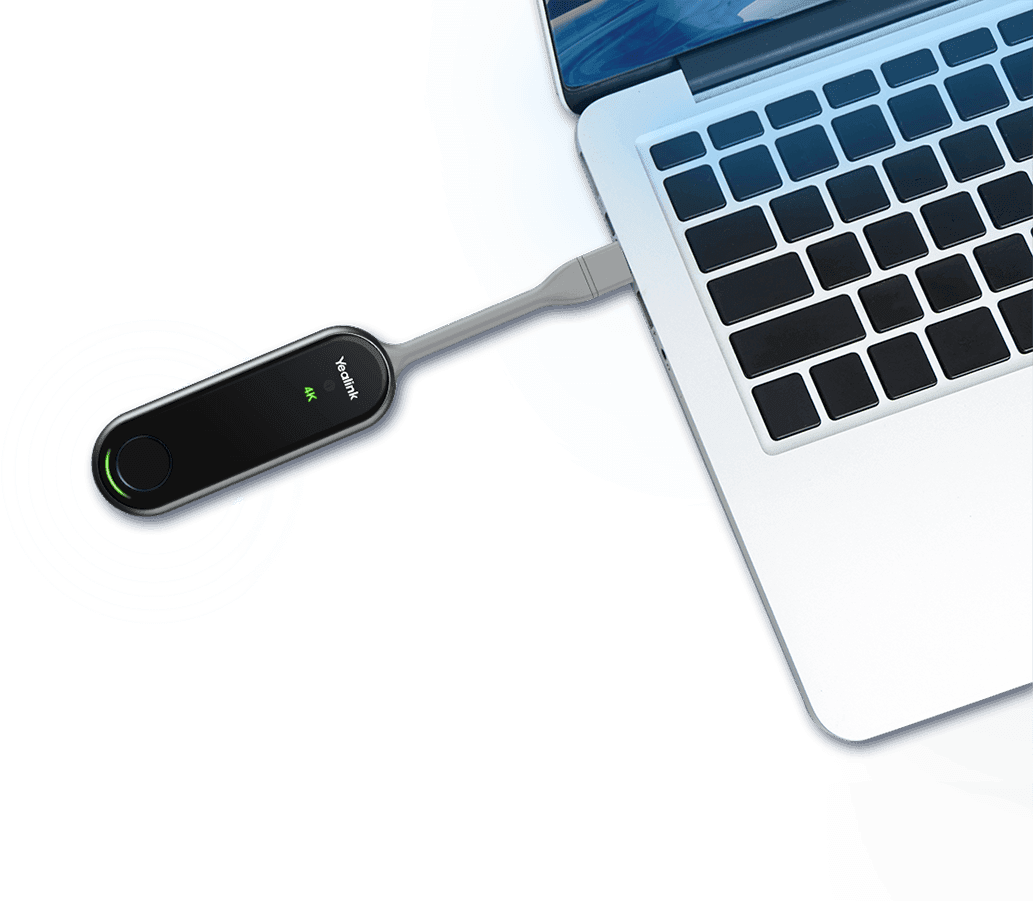
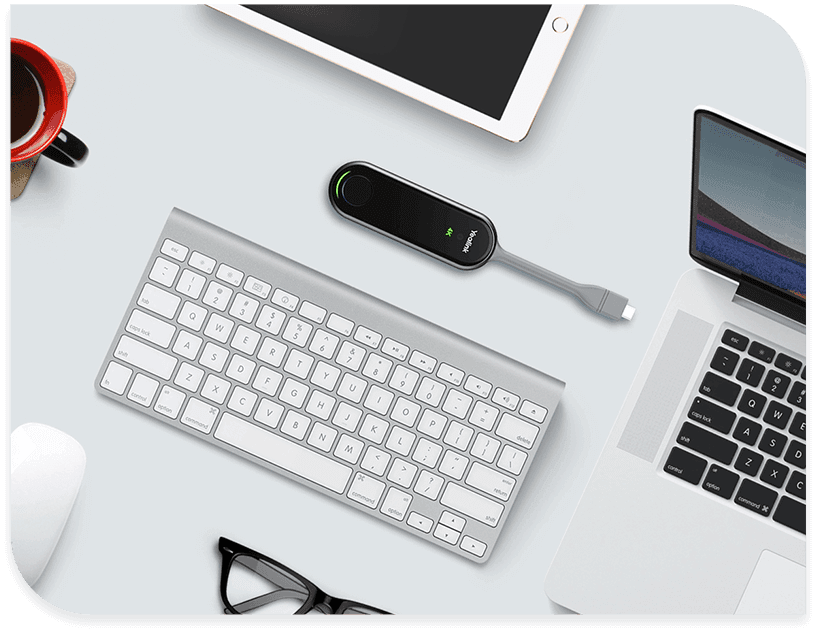
The Yealink WPP30 is a compact wireless presentation pod that brings hassle-free content sharing to any meeting room or workspace. Simply plug it into your laptop or mobile device, press the button, and you’re presenting wirelessly on the main display—no drivers, no software installations, no fuss.
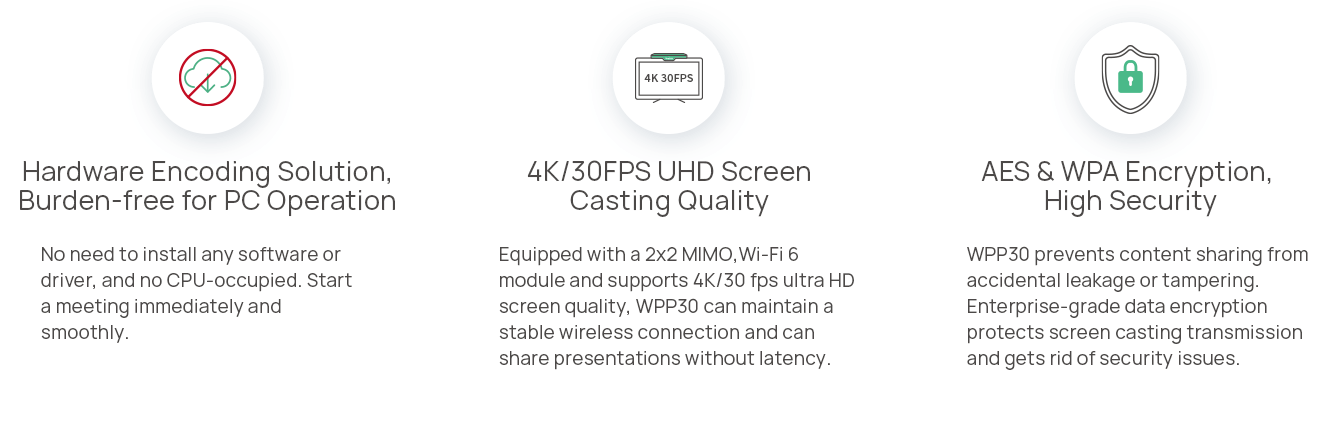
Powered by Wi-Fi 6 technology with 2×2 MIMO, the WPP30 delivers crystal-clear 4K/30fps streaming with minimal latency. It’s the kind of device that just works, making it ideal for businesses that want to streamline their meeting room setup without compromising on quality.
Whether you’re presenting sales figures, running a training session, or collaborating on a project, the WPP30 makes wireless screen sharing genuinely simple. It supports up to four simultaneous streams, so multiple participants can share their screens at once—perfect for collaborative discussions and brainstorming sessions.
Key Features
The WPP30 delivers true plug-and-play convenience. There’s no software to install and no drivers to configure—just connect it to your device’s USB-C port (a USB-A adapter is included) and you’re ready to present. A single button press starts your wireless presentation, making it accessible for everyone in the room regardless of their technical expertise.
Security is built in from the ground up. The WPP30 creates its own self-contained Wi-Fi network, which means it doesn’t rely on your business network for operation. Combined with AES and WPA2-PSK encryption, your presentation content remains protected from unauthorised access.
The device works seamlessly with Yealink’s MeetingBoard and MeetingBoard Pro interactive displays, enabling reverse control functionality. This means you can navigate your laptop directly from the touchscreen display—ideal for interactive presentations where you need to access files or applications on the fly. Real-time annotation and virtual whiteboard features further enhance collaboration during meetings.
Technical Specifications
| Model | WPP30 |
| Output Resolution | Up to 4K/30fps |
| Input Power | 5V/600mA (USB powered) |
| Power Consumption | 2.2W (typical) |
| Wi-Fi Standard | Wi-Fi 6, 802.11 a/b/g/n/ac/ax |
| Wi-Fi Frequency | 2.4GHz / 5GHz dual-band |
| Encryption | WPA-PSK / WPA2-PSK, AES |
| Bluetooth | Bluetooth 5.0 |
| Interfaces | Full-featured USB Type-C × 1, USB-C to USB-A adapter × 1 |
| Buttons | START/STOP button |
| LED Indicators | 4K/UHD indicator, System status, System error |
| Operating Temperature | -10°C to 40°C |
| Operating Humidity | 0% to 95%, non-condensing |
| Dimensions | 220 × 38 × 16 mm (8.66″ × 1.50″ × 0.63″) |
| Weight | 75g (0.165 lb) |
Applications
The WPP30 is ideal for businesses looking to simplify wireless content sharing across their meeting rooms. It’s particularly well-suited to boardrooms and conference rooms where multiple presenters need to share content during a single meeting, huddle spaces where quick, impromptu presentations are common, and training rooms where instructors need reliable screen sharing without technical complications.
The device pairs excellently with Yealink’s MeetingBar video conferencing solutions and MeetingBoard interactive displays, creating a complete unified communications ecosystem for modern workplaces.
What’s in the Box
The WPP30 package includes the wireless presentation pod unit, a USB-C to USB-A adapter for compatibility with older devices, and a quick start guide.
Downloads & Resources
Note: Downloads link to the manufacturer’s website.
Professional Installation & Support
Straight Forward Technology provides expert installation and configuration services for video conferencing and wireless presentation systems across Melbourne and the Mornington Peninsula. Our technicians can help you integrate the WPP30 into your existing meeting room setup, configure it with your Yealink video conferencing equipment, and ensure everything works together seamlessly.
Contact us for a free consultation and quote on professional installation, or explore our managed service packages for ongoing support and maintenance.